 1 / 10
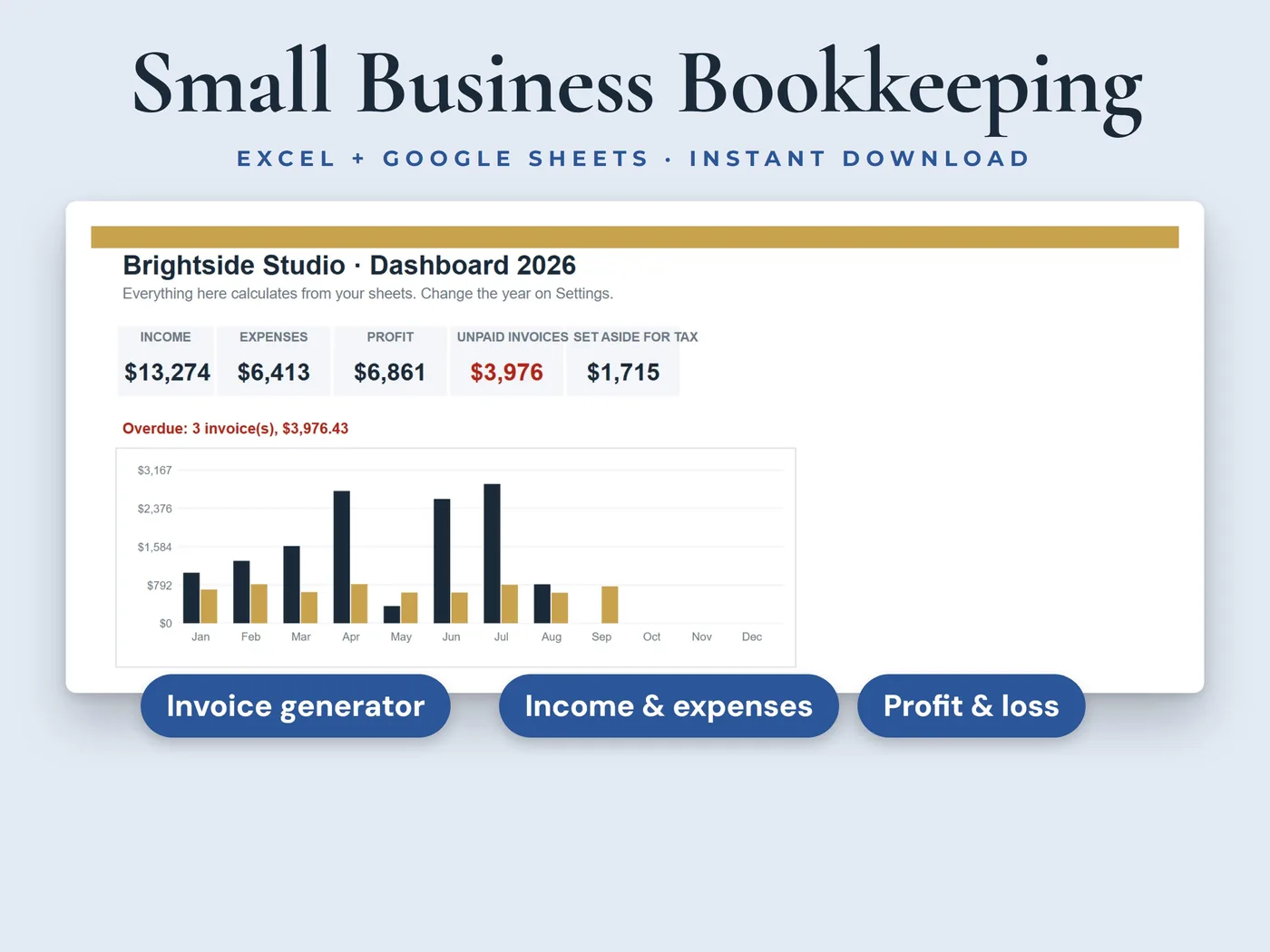
Add a client once, pick an invoice number, and a ready-to-print invoice fills in. Paid invoices count as income automatically, and the dashboard shows your income, expenses and profit month by month.
- 10sheets in the workbook
- 2 filessample data + blank copy
- Excel + Google Sheetsno macros or add-ins
Everything inside Bookkeeping + Invoices
Invoice generator
Pick an invoice number and a print-ready invoice fills in with your details, the client, the line items, sales tax and the balance due. Print it or save it as a PDF.
Invoice log
One row per invoice. The due date, totals, balance and a status of Paid, Open or Overdue are worked out for you.
Clients
Add each client once. Their details fill in on every invoice, and you see what you've invoiced, what's paid and what's still owed.
Invoice lines
The line items for each invoice, with quantity, price and whether the line is taxable.
Income and expenses
Paid invoices count as income automatically. Add other income, and log every expense with a category you can edit, how you paid and whether you saved the receipt.
Mileage log
A log for business trips: date, from, to, purpose and miles, with the amount worked out from a rate per mile that you set.
Dashboard
Income, expenses and profit by month, unpaid invoices, spending by category, a chart and an estimate of what to set aside for taxes, based on a percentage you choose.
Your two files
- Workbook with sample dataInksets_Bookkeeping_Invoices.xlsx
- Blank workbook, ready for your businessInksets_Bookkeeping_Invoices_Blank.xlsx
Both are .xlsx workbooks. Start with the sample copy to see how everything works, then use the blank copy for your own numbers.
The sheets inside
- Start Here
- Dashboard
- Settings
- Clients
- Invoices
- Invoice Lines
- Invoice
- Income
- Expenses
- Mileage
10 sheets, starting with a Start Here guide that explains every step.
Four steps from payment to done
Pay, download the two files and open them in Microsoft Excel, or upload them to Google Sheets.
On the Settings sheet, add your business name, contact details, invoice prefix, payment terms and sales tax rate.
Add your clients, then one row per invoice and its line items.
Log your expenses and other income. Pick an invoice number on the Invoice sheet to print it.
Before you buy
We want you to know exactly what this workbook is and isn't.
- White cells are for you to type in. Grey cells calculate automatically.
- Room for 500 rows in each log: clients, invoices, invoice lines, other income, expenses and mileage.
- Please don't delete rows in the logs. Clear a row's contents instead, so the formulas keep working.
- The workbook fills in invoices for you to print or save as a PDF. It doesn't send them to your clients.
- Sales tax is one rate that you set on the Settings sheet.
- It helps you keep records. It is not tax or legal advice, so check tax questions with a qualified professional.
- This is a digital download. Nothing will be shipped.
- Digital product: all sales are final. If anything doesn't work, email hello@inksets.us and we'll help.
Common questions
Does it send invoices to my clients?
No. It fills in a printable invoice. You save it as a PDF (File > Print > Save as PDF) and send it yourself.
Is it accounting software?
No. It's a simple record-keeping workbook for freelancers and small businesses: invoices, income, expenses and profit. It isn't tax or legal advice.
Can I change the expense categories?
Yes. The expense and income categories are lists on the Settings sheet that you can edit.
Which programs does it work in?
Microsoft Excel and Google Sheets. The workbooks have no macros, no add-ins and no links to other files.
What do I get after I pay?
Two .xlsx files: a copy with sample data, so you can see how it works, and a blank copy to start with. You land on a download page right after payment, and we email you a link that works for 90 days.
Do I need an account?
No. You pay with Stripe Checkout, and the download page and the emailed link are all you need. We keep your email address and your order so the link keeps working.
How do I open it in Google Sheets?
Upload the .xlsx file to Google Sheets, then choose File > Save as Google Sheets. That gives you your own copy to edit there.
Can I get a refund?
It's a digital product with instant access, so all sales are final. If a file won't open or something doesn't work as described, email hello@inksets.us and we'll help. See our refund policy.
Can I share the files or use them for clients?
The files are for your own use. Please don't resell, share or redistribute them. See our terms.
I lost my download link.
Enter your email on the download page and we'll send the link again.
You might also like
 Online shops
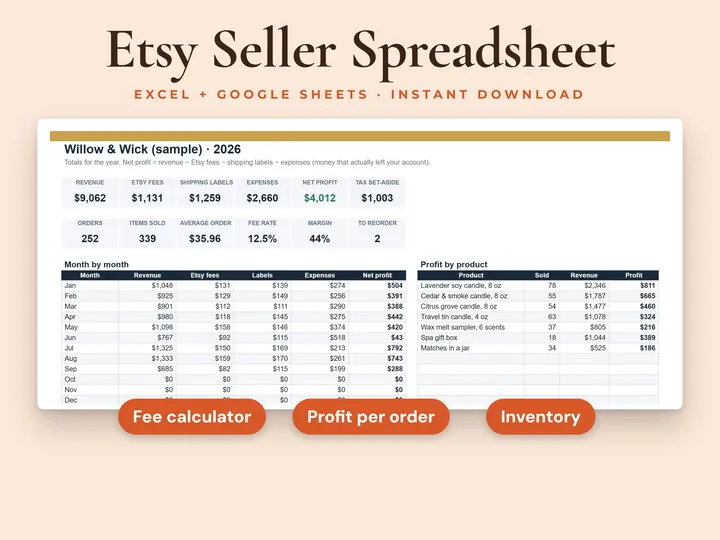
Etsy Seller Tracker
See what you really keep from every sale.
 Real estate
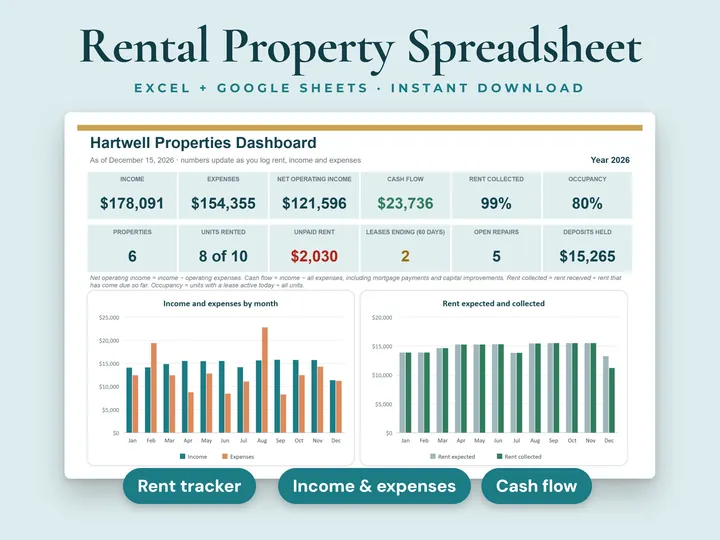
Rental Property Tracker
Properties, tenants, rent and expenses for every rental.
 Personal finance
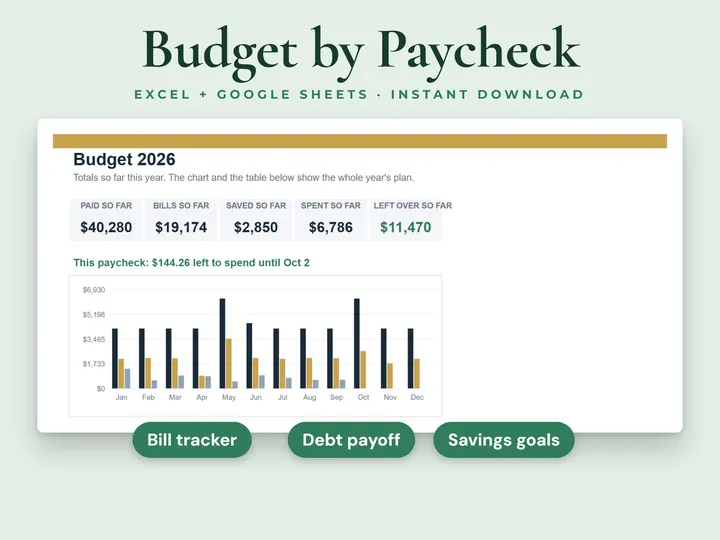
Paycheck Budget Planner
See what's left to spend from every paycheck.
Bookkeeping + Invoices
Invoices, income, expenses and profit in one workbook. Instant download, no account, all sales final.