 1 / 10
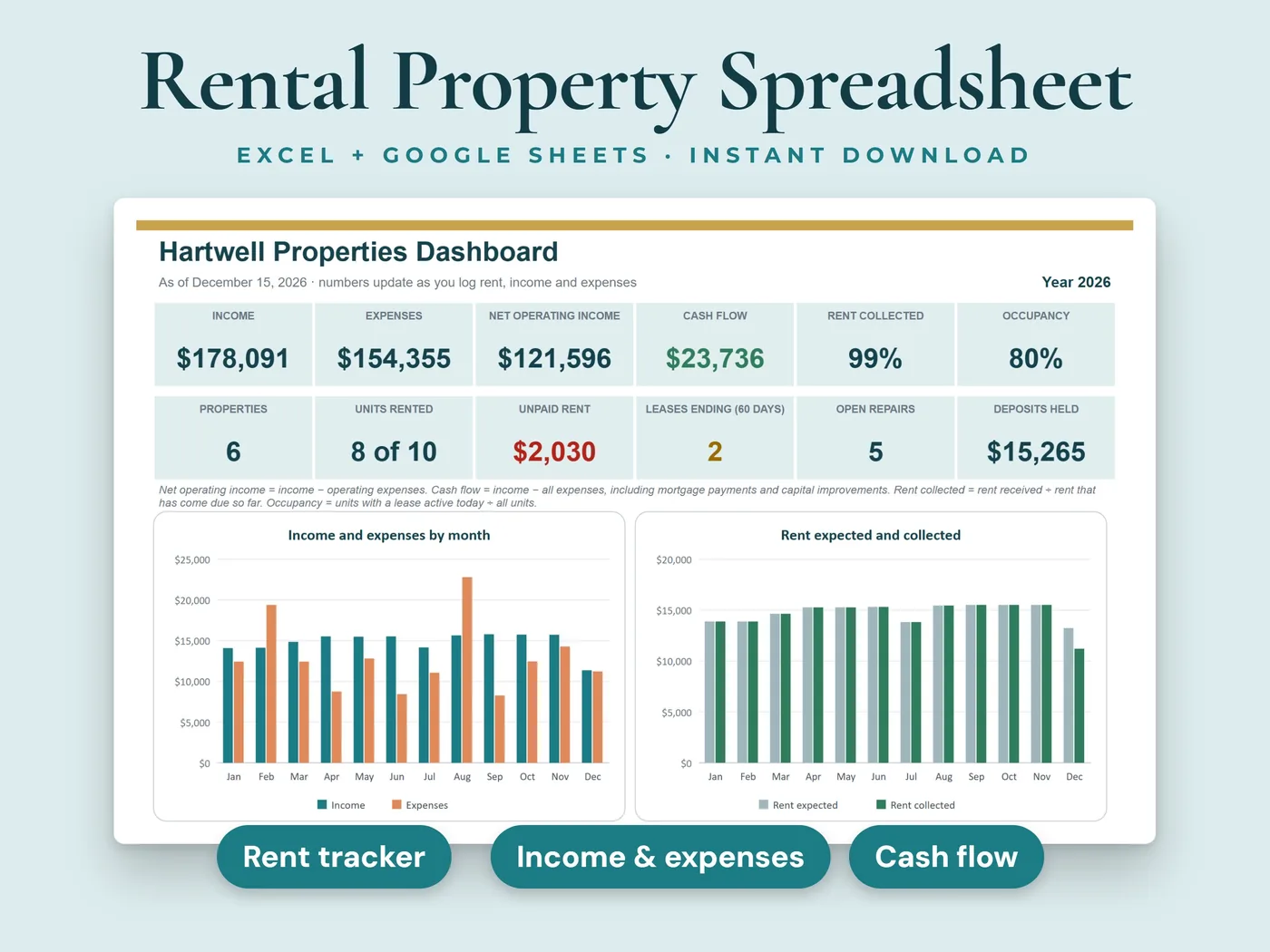
Keep every rental in one workbook: properties, tenants, rent, expenses and repairs. Type the rent you received and log your expenses, and the dashboard shows income, expenses, net operating income, cash flow, occupancy and unpaid rent for each property and for all of them together.
- 10sheets in the workbook
- 2 filessample data + blank copy
- Excel + Google Sheetsno macros or add-ins
Everything inside Rental Property Tracker
Properties
Up to 15 properties with address, type, units, purchase date and price, cash invested, current value, mortgage balance and payment. Equity, loan to value, units rented, monthly rent and rent minus mortgage are worked out for you.
Tenants and leases
40 rows with unit, tenant, contact details, lease start and end, monthly rent and security deposit, and a status for each lease: Upcoming, Active, Ending soon, Ended or Month-to-month.
Rent tracker
480 rows (40 leases times 12 months) with the rent due filled in. Type what you received and the date. Paid, Paid late, Partial, Unpaid and Due are color-coded, with the balance, days late and late fee.
Income and expenses
800 rows ready: date, property, category, amount, how it was paid and whether you saved the receipt. Categories include repairs, insurance, property taxes, mortgage interest, utilities, management fees and more, and you can rename them.
Property results
Rent received, other income, operating expenses, net operating income, mortgage payments, capital improvements, cash flow, cap rate, cash-on-cash return, occupancy and rent collected, for each property and in total.
Maintenance log
200 rows: date reported, property, unit, issue, priority, vendor, cost, status, date completed and days open.
Year summary
Income and expenses by category for every property in one table, for your own records and your tax preparer.
Dashboard
Income, expenses, net operating income, cash flow, rent collected, occupancy, unpaid rent, leases ending soon, open repairs and deposits held, with four charts and lists of what needs attention.
Your two files
- Workbook with sample dataInksets_Rental_Property_Tracker.xlsx
- Blank workbook, ready for your propertiesInksets_Rental_Property_Tracker_Blank.xlsx
Both are .xlsx workbooks. Start with the sample copy to see how everything works, then use the blank copy for your own numbers.
The sheets inside
- Start Here
- Dashboard
- Properties
- Tenants
- Rent Tracker
- Income and Expenses
- Maintenance
- Property Results
- Year Summary
- Settings
10 sheets, starting with a Start Here guide that explains every step.
Four steps from payment to done
Pay, download the two files and open them in Microsoft Excel, or upload them to Google Sheets.
Add your properties and leases, and check the rent due day, grace period and categories on the Settings sheet.
Each month, type the rent you received and log your expenses.
Everything else calculates: results for each property and for all of them together.
Before you buy
We want you to know exactly what this workbook is and isn't.
- White cells are for you to type in. Grey cells calculate automatically.
- Room for 15 properties, 40 leases (a renewal or a new tenant takes the next empty row), 800 income and expense rows and 200 repairs.
- One file covers one year. Each January, start a fresh copy of the blank file and copy across your properties and current leases.
- Built for monthly leases. For a short-term rental you can log each payout as income and track all the expenses, but nightly bookings are not tracked.
- Late and unpaid rent and leases that are ending soon are highlighted in the sheet. The workbook does not send notifications.
- Depreciation is not calculated.
- For record keeping only. It is not tax, legal or financial advice, and it does not promise any financial result.
- This is a digital download. Nothing will be shipped.
- Digital product: all sales are final. If anything doesn't work, email hello@inksets.us and we'll help.
Common questions
Can I use it for a short-term rental?
You can log each payout as income and track every expense, but the workbook is built for monthly leases and doesn't track nightly bookings.
Does it calculate depreciation or file my taxes?
No. The Year Summary groups your income and expenses by category for your own records and your tax preparer. Depreciation is not calculated.
Will it remind me when rent is late?
Late and unpaid rent turns color in the Rent Tracker and shows on the dashboard. The workbook doesn't send notifications.
Which programs does it work in?
Microsoft Excel and Google Sheets. The workbooks have no macros, no add-ins and no links to other files.
What do I get after I pay?
Two .xlsx files: a copy with sample data, so you can see how it works, and a blank copy to start with. You land on a download page right after payment, and we email you a link that works for 90 days.
Do I need an account?
No. You pay with Stripe Checkout, and the download page and the emailed link are all you need. We keep your email address and your order so the link keeps working.
How do I open it in Google Sheets?
Upload the .xlsx file to Google Sheets, then choose File > Save as Google Sheets. That gives you your own copy to edit there.
Can I get a refund?
It's a digital product with instant access, so all sales are final. If a file won't open or something doesn't work as described, email hello@inksets.us and we'll help. See our refund policy.
Can I share the files or use them for clients?
The files are for your own use. Please don't resell, share or redistribute them. See our terms.
I lost my download link.
Enter your email on the download page and we'll send the link again.
You might also like
 Small business
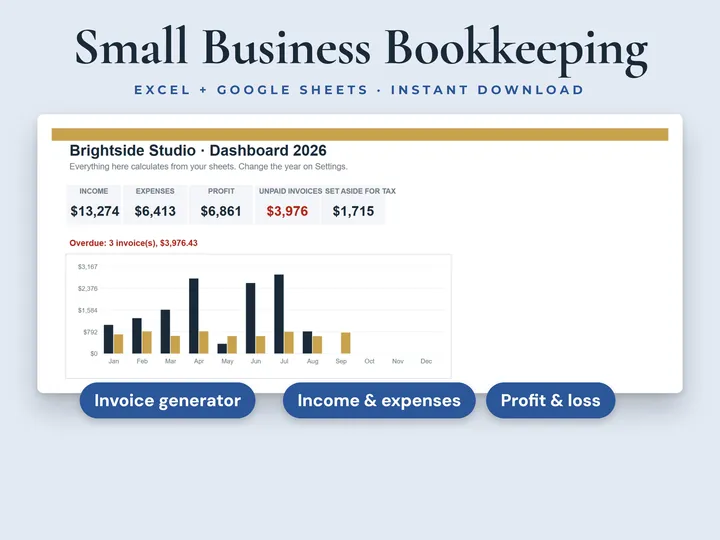
Bookkeeping + Invoices
Invoices, income, expenses and profit in one workbook.
 Online shops
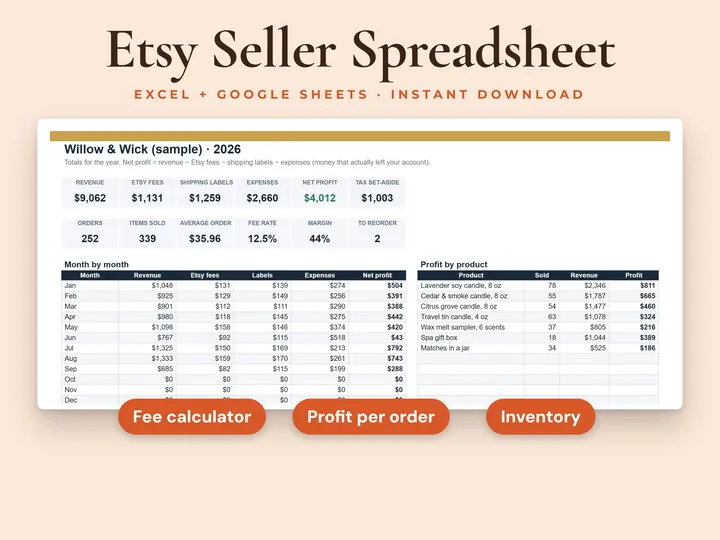
Etsy Seller Tracker
See what you really keep from every sale.
 Personal finance
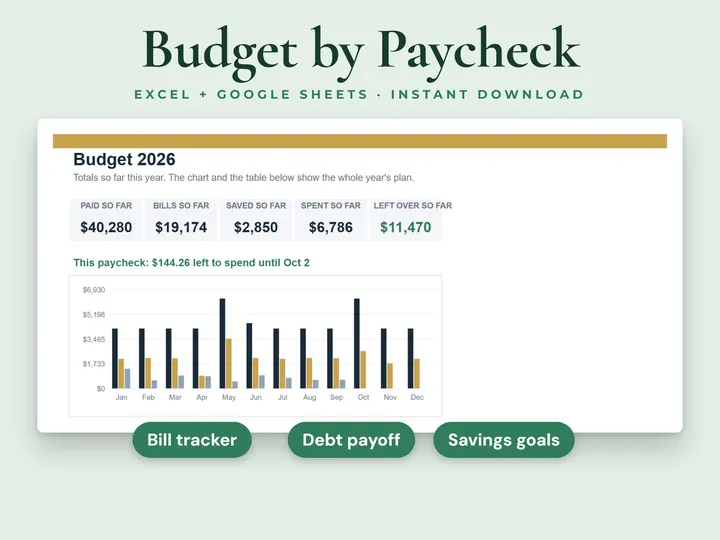
Paycheck Budget Planner
See what's left to spend from every paycheck.
Rental Property Tracker
Properties, tenants, rent and expenses for every rental. Instant download, no account, all sales final.