 1 / 10
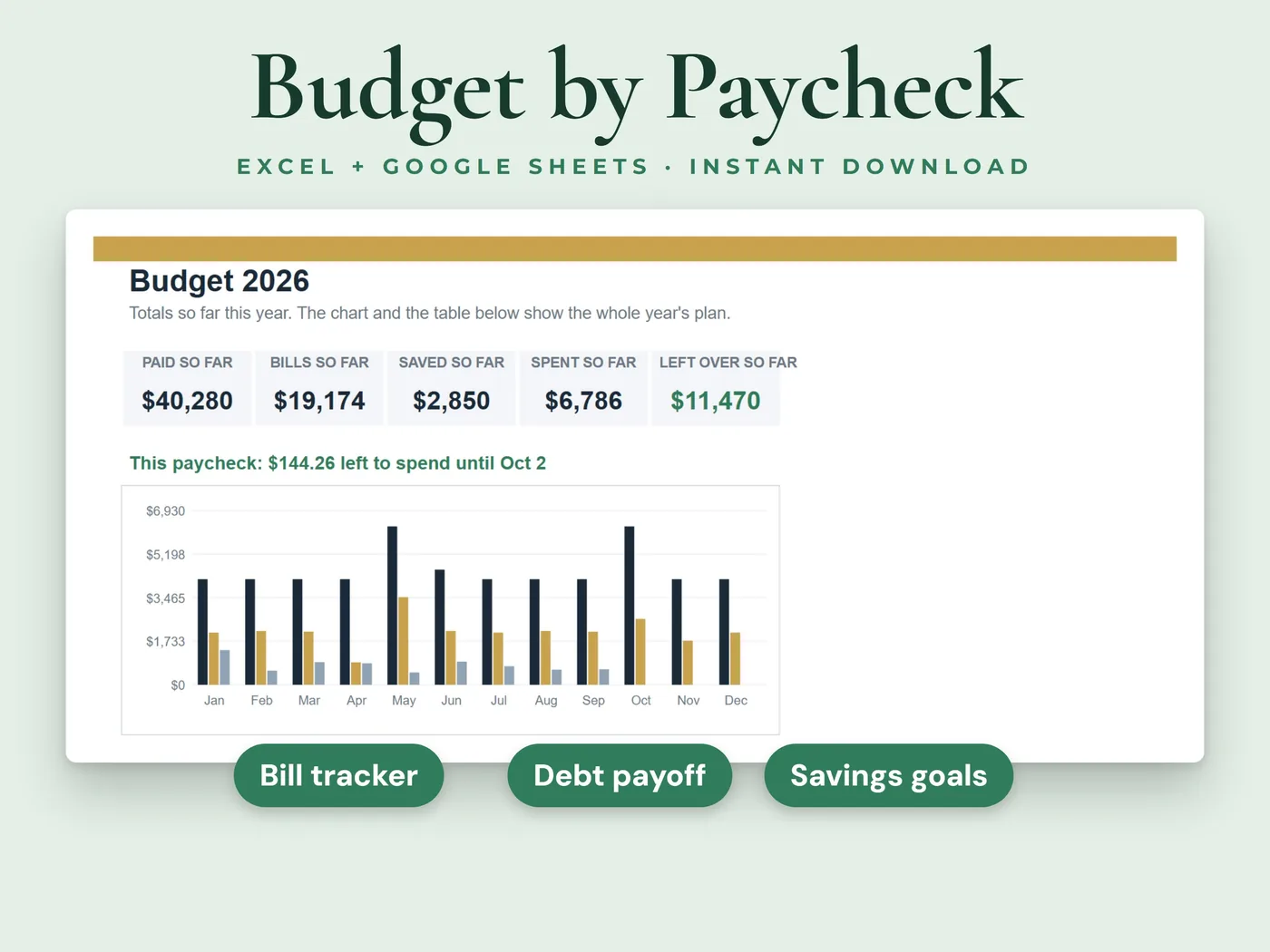
Choose how often you're paid, list your bills once, and every payday of the year fills in with the bills due before the next one, your savings and what's left to spend. Log your spending as you go and watch the year add up on one dashboard.
- 8sheets in the workbook
- 2 filessample data + blank copy
- Excel + Google Sheetsno macros or add-ins
Everything inside Paycheck Budget Planner
Paychecks
Every payday of the year, with the bills due before the next one, your savings, what you've spent so far and what's left. Your current paycheck is highlighted.
Bills
List each regular bill once with its amount, due day and whether it's on autopay. The next due date is worked out for you.
Spending log
Log day-to-day spending with a date, category and amount. Each purchase is matched to the paycheck it came out of.
Savings goals
A target, what you've saved, a target date, how much is still needed and what to put aside each month, with progress bars.
Debt payoff planner
Choose snowball or avalanche order and see roughly how many months each debt will take and how much interest it adds.
Dashboard
Your year so far: pay, bills, savings and spending month by month, spending by category and a chart.
Pay schedule
Weekly, every two weeks, twice a month or monthly. Pick yours and set your first payday.
Your two files
- Workbook with sample dataInksets_Paycheck_Budget.xlsx
- Blank workbook, ready for your numbersInksets_Paycheck_Budget_Blank.xlsx
Both are .xlsx workbooks. Start with the sample copy to see how everything works, then use the blank copy for your own numbers.
The sheets inside
- Start Here
- Dashboard
- Setup
- Bills
- Paychecks
- Spending
- Savings Goals
- Debt Payoff
8 sheets, starting with a Start Here guide that explains every step.
Four steps from payment to done
Pay, download the two files and open them in Microsoft Excel, or upload them to Google Sheets.
On the Setup sheet, choose how often you're paid, your first payday of the year and your usual take-home pay.
List your bills once, each with its amount and due day.
Log your spending as you go. Everything else calculates.
Before you buy
We want you to know exactly what this workbook is and isn't.
- White cells are for you to type in. Grey cells calculate automatically.
- Room for 60 bills and 1,000 spending entries.
- If a paycheck is different from usual, type the real amount under Actual pay on the Paychecks sheet.
- Twice a month means the 15th and the last day of each month.
- Debt payoff figures are estimates: they assume the interest rate and payment stay the same.
- You type in your own numbers. Nothing connects to your bank.
- A planning tool, not financial advice.
- This is a digital download. Nothing will be shipped.
- Digital product: all sales are final. If anything doesn't work, email hello@inksets.us and we'll help.
Common questions
What if my paycheck changes?
Leave Actual pay empty and the sheet uses your usual take-home pay. When a paycheck comes in different, type the real amount on that row and the rest of the row updates.
Can I use it if I'm paid twice a month?
Yes. Choose Twice a month on the Setup sheet. The planner then uses the 15th and the last day of each month as your paydays.
Is it for one year at a time?
Yes. The Paychecks sheet lists the paydays of one year, starting from your first payday. For another year, start from the blank copy.
Which programs does it work in?
Microsoft Excel and Google Sheets. The workbooks have no macros, no add-ins and no links to other files.
What do I get after I pay?
Two .xlsx files: a copy with sample data, so you can see how it works, and a blank copy to start with. You land on a download page right after payment, and we email you a link that works for 90 days.
Do I need an account?
No. You pay with Stripe Checkout, and the download page and the emailed link are all you need. We keep your email address and your order so the link keeps working.
How do I open it in Google Sheets?
Upload the .xlsx file to Google Sheets, then choose File > Save as Google Sheets. That gives you your own copy to edit there.
Can I get a refund?
It's a digital product with instant access, so all sales are final. If a file won't open or something doesn't work as described, email hello@inksets.us and we'll help. See our refund policy.
Can I share the files or use them for clients?
The files are for your own use. Please don't resell, share or redistribute them. See our terms.
I lost my download link.
Enter your email on the download page and we'll send the link again.
You might also like
 Personal finance
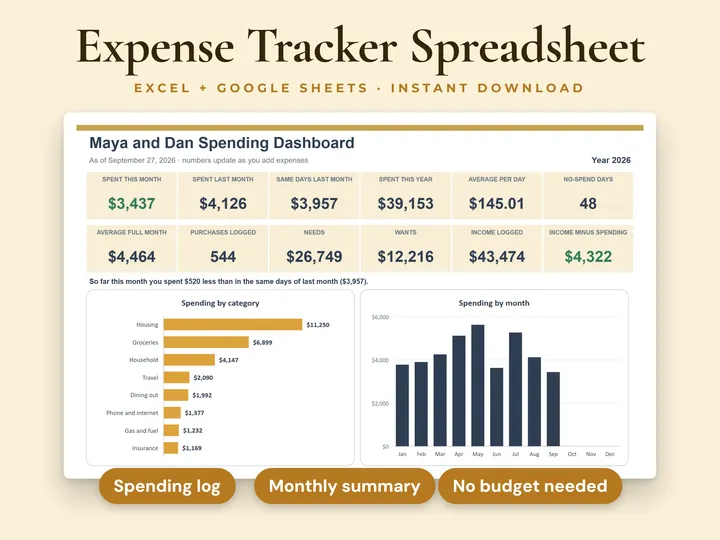
Expense Tracker
Just type what you spend and see where your money goes.
 Personal finance
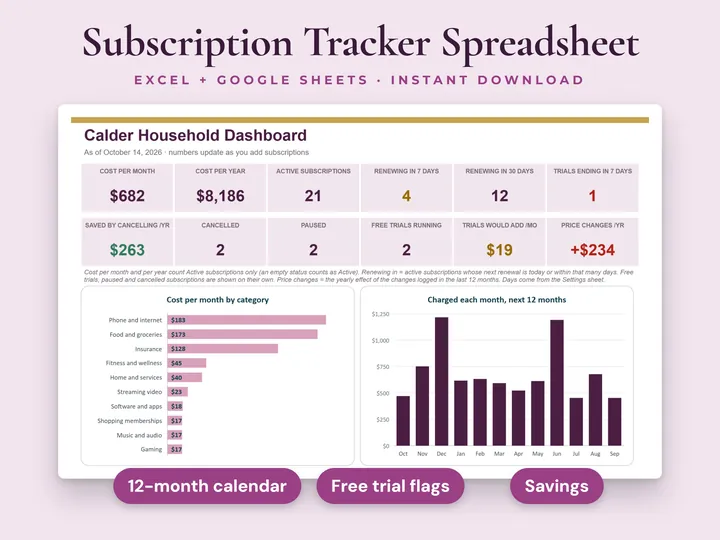
Subscription Tracker
See what your subscriptions and recurring bills really cost.
 Personal finance
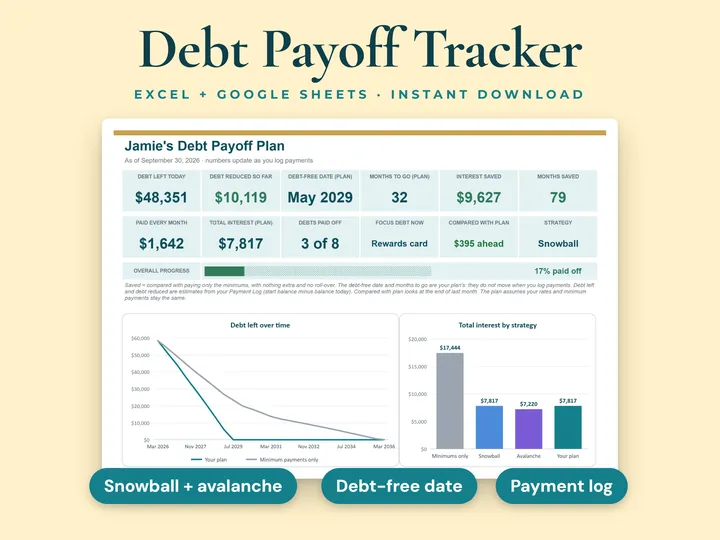
Debt Payoff Tracker
Plan your way out of debt, month by month.
Paycheck Budget Planner
See what's left to spend from every paycheck. Instant download, no account, all sales final.