 1 / 10
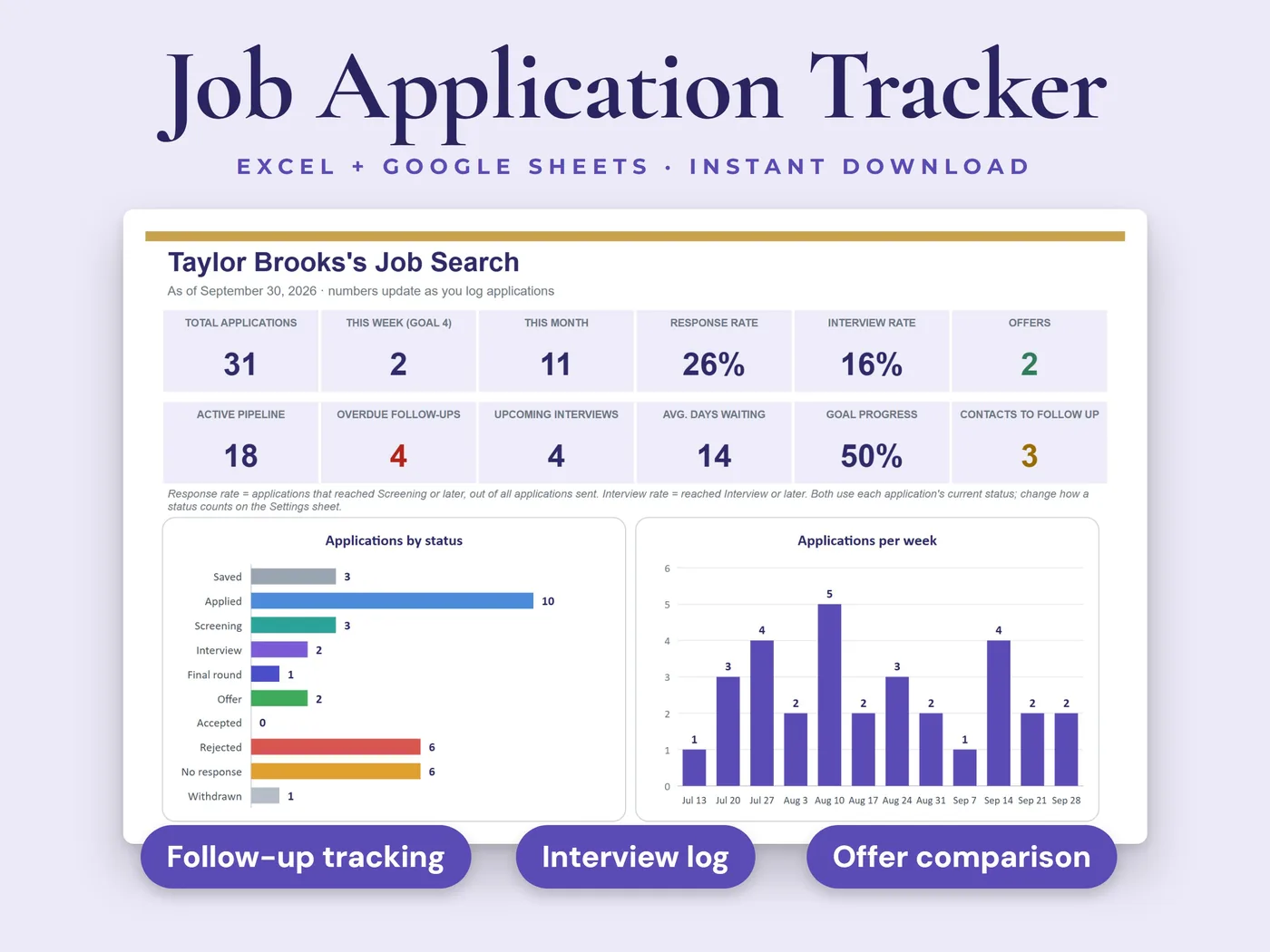
Add each job once and the dashboard shows how many applications you sent, your response and interview rates, which sources work best and which follow-ups are overdue.
- 8sheets in the workbook
- 2 filessample data + blank copy
- Excel + Google Sheetsno macros or add-ins
Everything inside Job Application Tracker
Applications log
300 rows ready: date applied, company, position, location, remote, hybrid or on-site, job link, source, salary range, status, priority, contact, resume version, cover letter, next step and notes.
Status in color
A dropdown with Saved, Applied, Screening, Interview, Final round, Offer, Accepted, Rejected, No response and Withdrawn.
Follow-up dates
For applications still waiting for a reply, the follow-up date fills in for you (date applied plus your number of days). Type your own date any time. Overdue follow-ups turn red.
Dashboard
Total applications, this week and this month, response rate, interview rate, offers, active pipeline and overdue follow-ups, plus a status chart, an applications-per-week chart, results by source and weekly goal progress.
Interviews
Round, date and time, format, interviewers, prep notes, questions asked, thank-you tracking and the outcome.
Contacts
Recruiters, referrals and hiring managers, with last contacted and next follow-up dates that turn red when overdue.
Offer comparison
Up to four offers side by side: base pay, bonus, equity, 401(k) match, signing bonus, health cost, paid time off, commute and remote days, with total compensation, a ranking and a weighted score from your own 1 to 5 ratings.
Weekly goals
A row for every week with your application target, the applications counted for you, networking messages and interviews.
Your two files
- Workbook with sample dataInksets_Job_Application_Tracker.xlsx
- Blank workbook, ready for your searchInksets_Job_Application_Tracker_Blank.xlsx
Both are .xlsx workbooks. Start with the sample copy to see how everything works, then use the blank copy for your own numbers.
The sheets inside
- Start Here
- Dashboard
- Applications
- Interviews
- Contacts
- Offer Comparison
- Weekly Goals
- Settings
8 sheets, starting with a Start Here guide that explains every step.
Four steps from payment to done
Pay, download the two files and open them in Microsoft Excel, or upload them to Google Sheets.
On the Settings sheet, choose how many days to wait before following up and set your weekly goals.
Add each job you apply for.
Everything else calculates: your dashboard, follow-ups and goals update as you go.
Before you buy
We want you to know exactly what this workbook is and isn't.
Need a resume and cover letter to send? The Inksets resume builder fills in every design at once.
See the resume builder →- White cells are for you to type in. Grey cells calculate automatically.
- Response rate counts applications that reached Screening or later. Interview rate counts those that reached Interview or later, based on each application's current status. You can change how each status counts on the Settings sheet.
- Overdue follow-ups are highlighted in the sheet. The workbook does not send notifications.
- Room for 300 applications, 100 interviews and 150 contacts.
- It helps you stay organized and does not promise any job search results.
- This is a digital download. Nothing will be shipped.
- Digital product: all sales are final. If anything doesn't work, email hello@inksets.us and we'll help.
Common questions
Will it remind me to follow up?
It highlights overdue follow-ups in red when you open the workbook. It doesn't send emails or notifications.
Can I change the dropdown lists?
Yes. The sources, work types, interview rounds, formats and outcomes are lists on the Settings sheet that you can edit.
Does it help me write my resume?
No, it tracks your search. For the resume and cover letter, try the Inksets resume builder.
Which programs does it work in?
Microsoft Excel and Google Sheets. The workbooks have no macros, no add-ins and no links to other files.
What do I get after I pay?
Two .xlsx files: a copy with sample data, so you can see how it works, and a blank copy to start with. You land on a download page right after payment, and we email you a link that works for 90 days.
Do I need an account?
No. You pay with Stripe Checkout, and the download page and the emailed link are all you need. We keep your email address and your order so the link keeps working.
How do I open it in Google Sheets?
Upload the .xlsx file to Google Sheets, then choose File > Save as Google Sheets. That gives you your own copy to edit there.
Can I get a refund?
It's a digital product with instant access, so all sales are final. If a file won't open or something doesn't work as described, email hello@inksets.us and we'll help. See our refund policy.
Can I share the files or use them for clients?
The files are for your own use. Please don't resell, share or redistribute them. See our terms.
I lost my download link.
Enter your email on the download page and we'll send the link again.
You might also like
 Personal finance
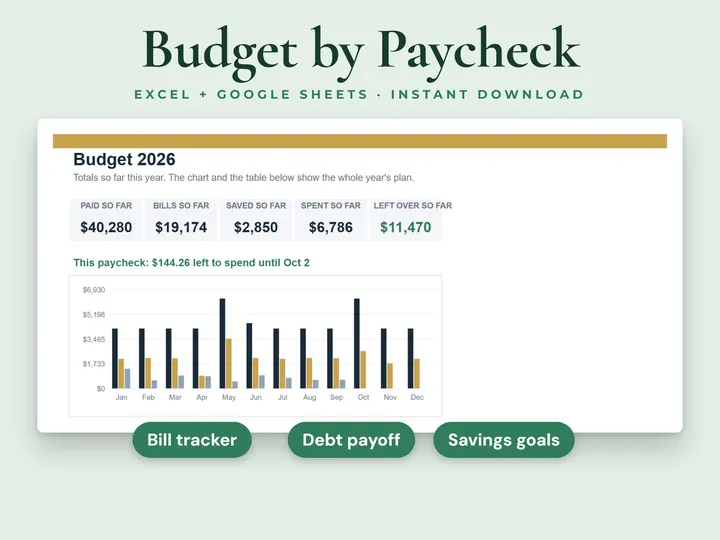
Paycheck Budget Planner
See what's left to spend from every paycheck.
 Personal finance
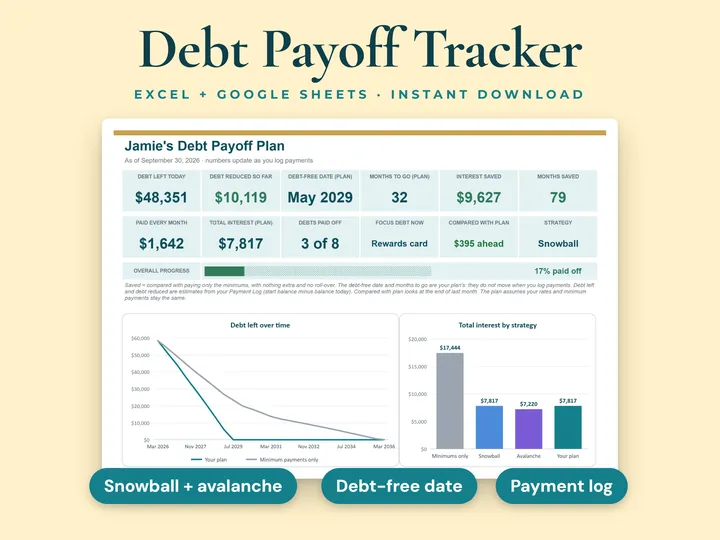
Debt Payoff Tracker
Plan your way out of debt, month by month.
 Planning
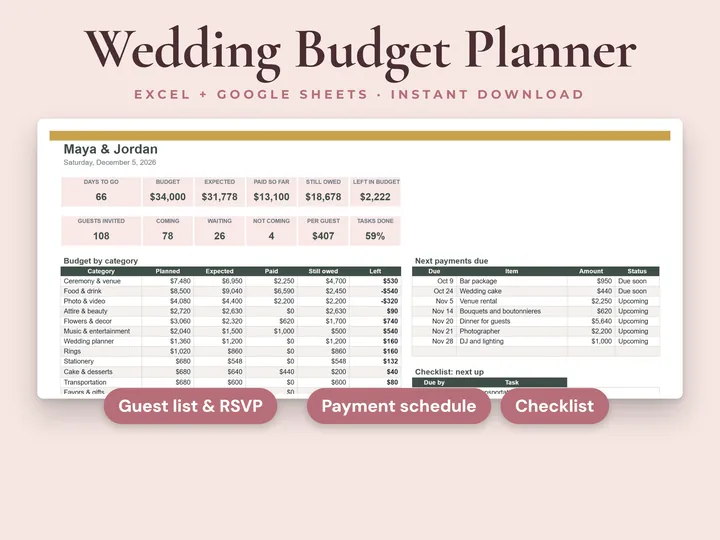
Wedding Budget Planner
Your wedding budget, payments and guest list in one workbook.
Job Application Tracker
Every application, interview and follow-up in one place. Instant download, no account, all sales final.