 1 / 10
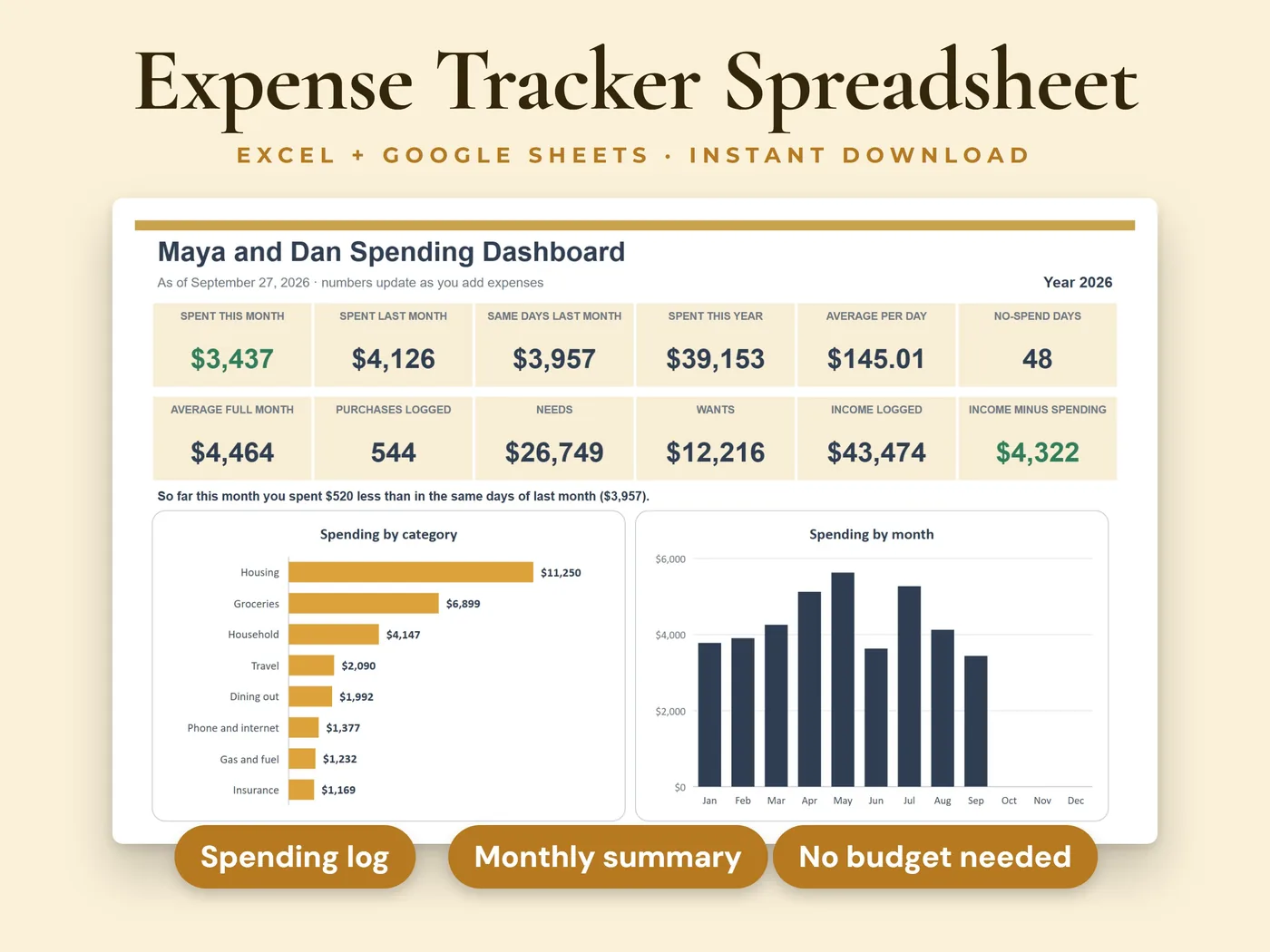
Add a row each time you spend: the date, where, the category and the amount. The dashboard shows this month next to last month, spending by category, by week and by payment method, your biggest purchases, your top places and your no-spend days. There is no budget to set up.
- 8sheets in the workbook
- 2 filessample data + blank copy
- Excel + Google Sheetsno macros or add-ins
Everything inside Expense Tracker
Expenses log
2,000 rows ready: date, description or place, category, amount, paid with, who, need or want, whether you saved the receipt and a note. The month, the week number and a Check column (it flags a missing date or amount, or a category that is not on the list) fill in by themselves.
Dashboard
Spent this month, last month and the same days last month, spent this year, average per day, no-spend days, average full month, purchases logged, needs and wants. Four charts show spending by category, by month, by week (the last 12 weeks) and by payment method.
Biggest purchases and top places
Lists of your biggest purchases of the year and the places where you spend the most, plus this month and last month by category.
Monthly Summary
Every category by month for the whole year, with totals, the average full month and each category's share of your spending. Tables by payment method, by person, and for needs and wants follow.
Weekly Summary
Every week of the year with what you spent, the number of purchases, the average per day, needs and wants. The current week is highlighted.
Daily Totals
What you spent on every day of the year, with the no-spend days marked in green.
Income (optional)
200 rows for paychecks and other money coming in. Income minus spending is shown by month and on the dashboard. Skip it and everything else still works.
Settings
Your name, the year to track, the day your week starts (Monday or Sunday) and the lists you can edit: categories, payment methods, people and income types.
Your two files
- Workbook with sample dataInksets_Expense_Tracker.xlsx
- Blank workbook, ready for your spendingInksets_Expense_Tracker_Blank.xlsx
Both are .xlsx workbooks. Start with the sample copy to see how everything works, then use the blank copy for your own numbers.
The sheets inside
- Start Here
- Dashboard
- Expenses
- Income
- Monthly Summary
- Weekly Summary
- Daily Totals
- Settings
8 sheets, starting with a Start Here guide that explains every step.
Four steps from payment to done
Pay, download the two files and open them in Microsoft Excel, or upload them to Google Sheets.
On the Settings sheet, check the year and the category list. Rename anything to fit your life.
Each time you spend money, add a row on the Expenses sheet: date, place, category and amount.
Everything else calculates: look at the dashboard and the summaries any time.
Before you buy
We want you to know exactly what this workbook is and isn't.
- White cells are for you to type in. Grey cells calculate automatically.
- Room for 2,000 expenses and 200 income entries, with up to 24 categories, 8 payment methods, 6 people and 6 income types.
- One file covers one year. Start a fresh copy of the blank file each January. Rows dated in another year are flagged in the Check column and are not counted.
- Refund or return? Type the amount with a minus sign in the same category, and the totals stay right.
- Needs and wants only count the rows where you pick Need or Want. The rest is shown as not marked.
- A day with nothing logged counts as a no-spend day, so log your purchases to keep that number meaningful.
- If you rename a category, rows that still use the old name are added up as "No category or not in the list" until you rename them too (Find and Replace works).
- It records what you spent. There are no limits, goals or alerts, it does not send reminders, and it does not connect to a bank.
- The sample copy pretends today is September 27, 2026, so its numbers stay put. Clear that cell on the Settings sheet to use today's date.
- For personal record keeping only. It is not financial or tax advice, and it does not promise any result.
- This is a digital download. Nothing will be shipped.
- Digital product: all sales are final. If anything doesn't work, email hello@inksets.us and we'll help.
Common questions
Do I have to set up a budget?
No. This workbook records what you spent and shows where it went. There are no limits or goals to set up.
How do I enter a refund?
Type the amount with a minus sign in the same category. The category total and the month stay right.
Can two people use it?
Yes. Pick who spent in the Who column. The list holds up to 6 people, and the Monthly Summary shows spending by person.
Can I track more than one year?
One file covers one year, the year on the Settings sheet. Start a fresh copy of the blank file each January.
Which programs does it work in?
Microsoft Excel and Google Sheets. The workbooks have no macros, no add-ins and no links to other files.
What do I get after I pay?
Two .xlsx files: a copy with sample data, so you can see how it works, and a blank copy to start with. You land on a download page right after payment, and we email you a link that works for 90 days.
Do I need an account?
No. You pay with Stripe Checkout, and the download page and the emailed link are all you need. We keep your email address and your order so the link keeps working.
How do I open it in Google Sheets?
Upload the .xlsx file to Google Sheets, then choose File > Save as Google Sheets. That gives you your own copy to edit there.
Can I get a refund?
It's a digital product with instant access, so all sales are final. If a file won't open or something doesn't work as described, email hello@inksets.us and we'll help. See our refund policy.
Can I share the files or use them for clients?
The files are for your own use. Please don't resell, share or redistribute them. See our terms.
I lost my download link.
Enter your email on the download page and we'll send the link again.
You might also like
 Personal finance
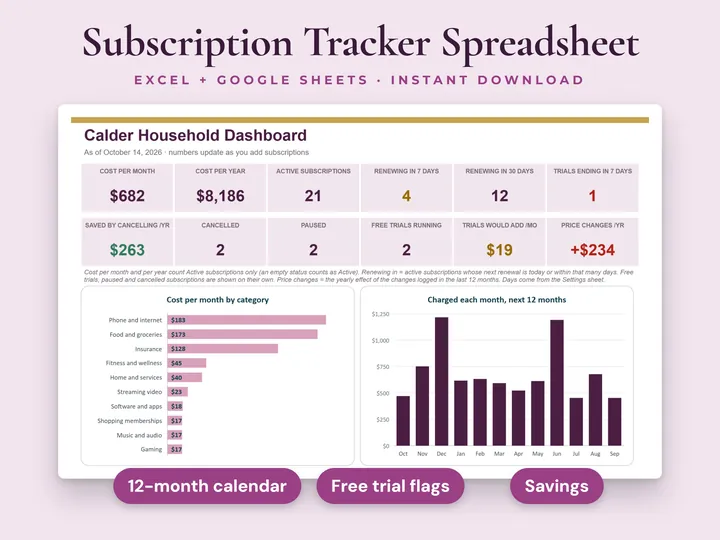
Subscription Tracker
See what your subscriptions and recurring bills really cost.
 Personal finance
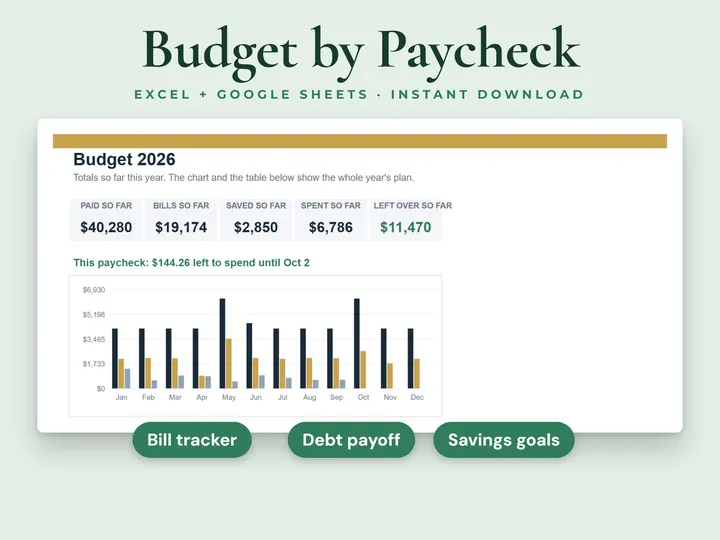
Paycheck Budget Planner
See what's left to spend from every paycheck.
 Personal finance
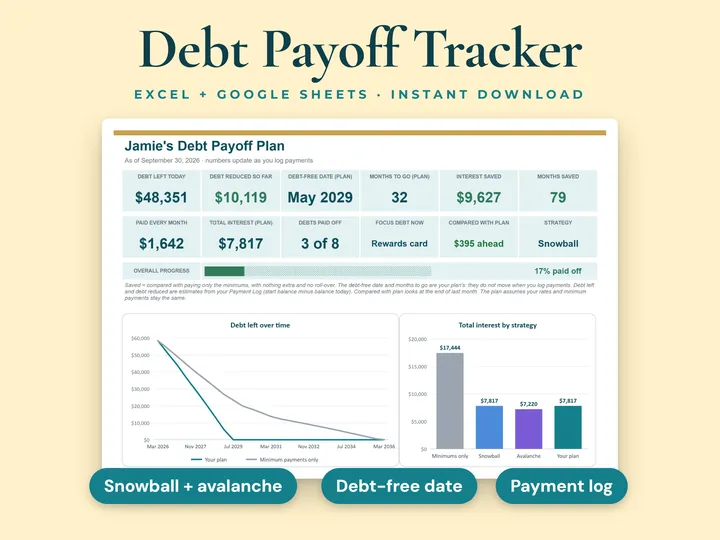
Debt Payoff Tracker
Plan your way out of debt, month by month.
Expense Tracker
Just type what you spend and see where your money goes. Instant download, no account, all sales final.